refind-rainy-ambience rEFInd theme

by azmainadel

View on GitHub
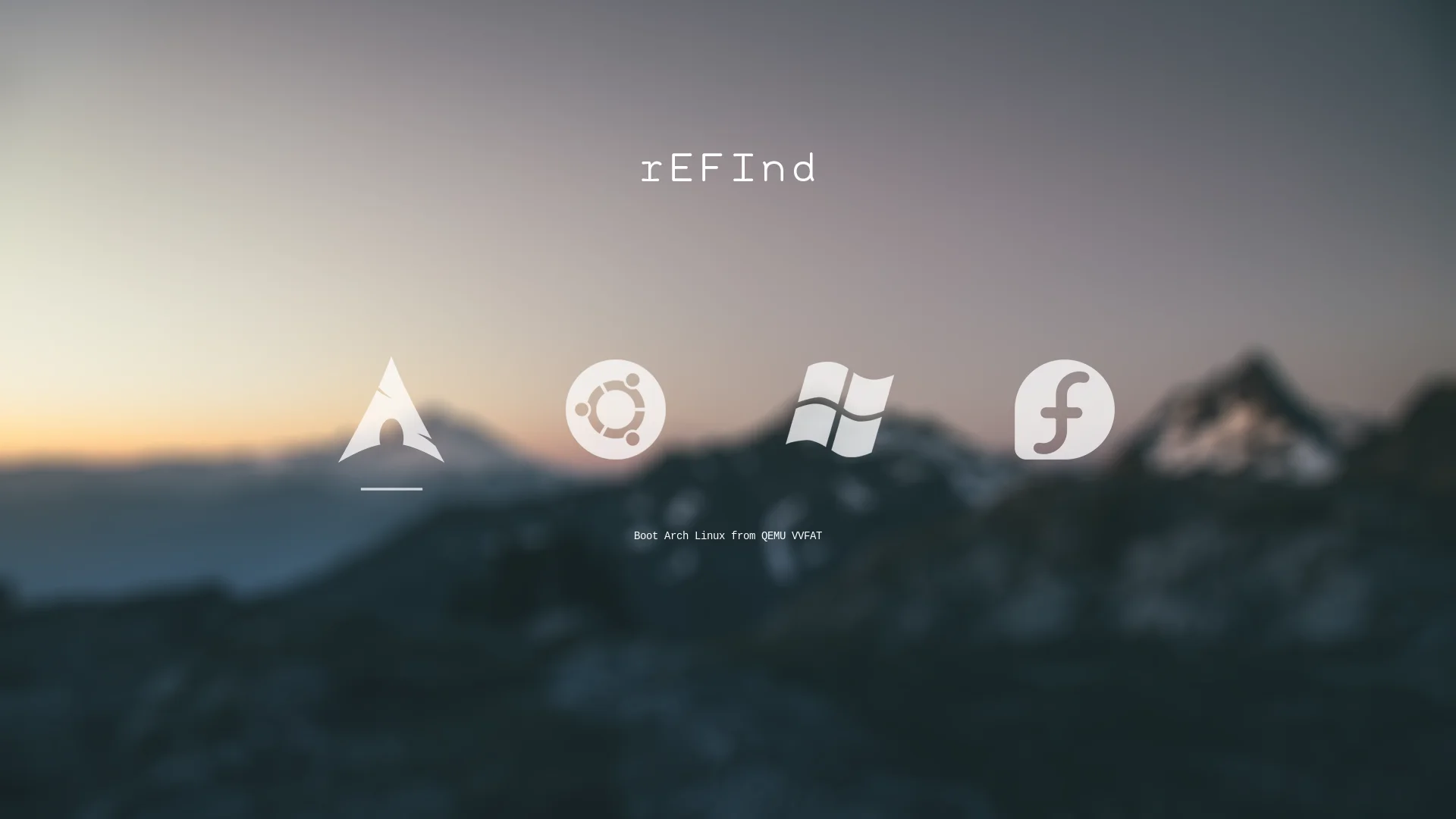
refind-rainy-ambience rEFInd theme preview - Image 1
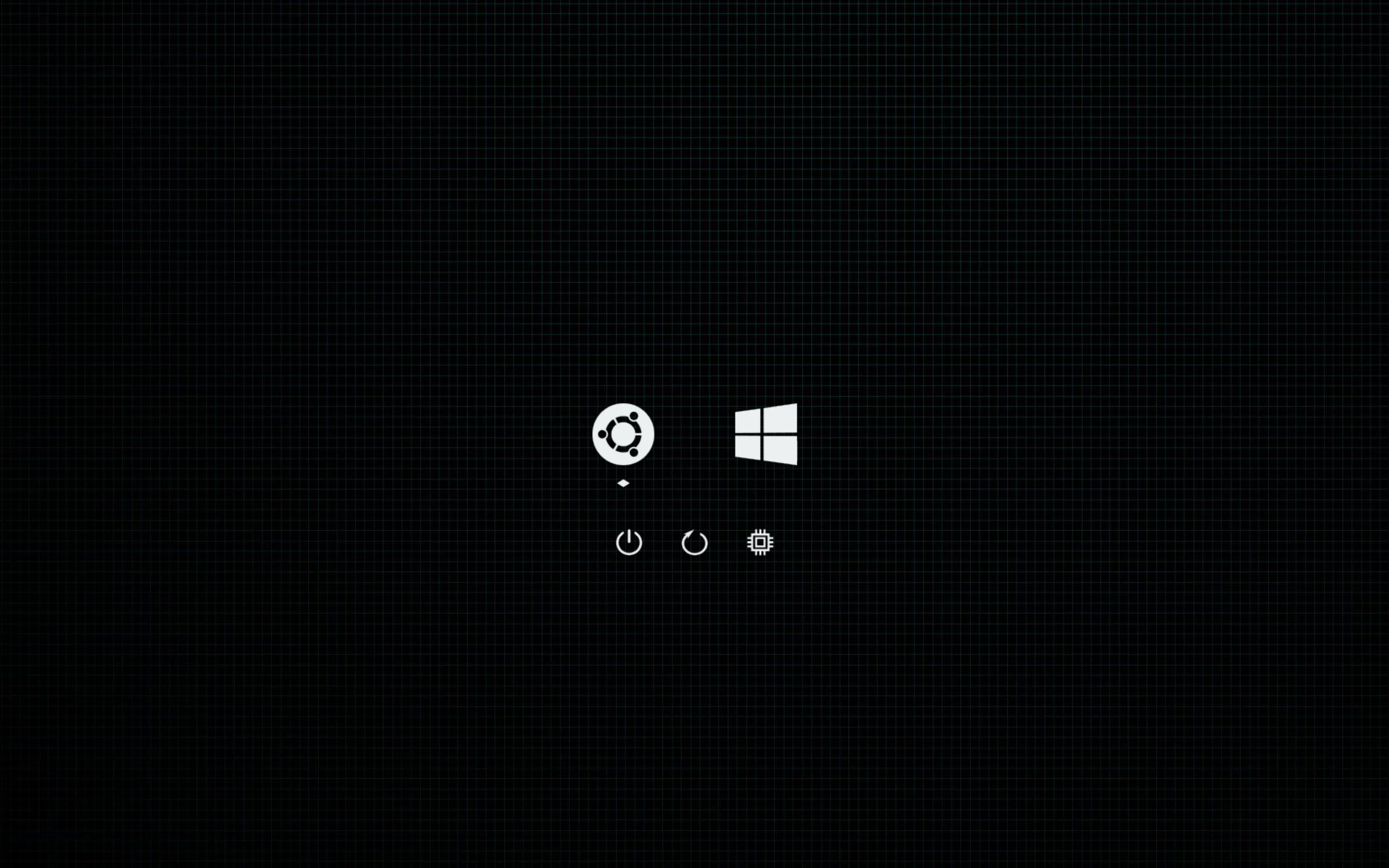
refind-rainy-ambience rEFInd theme preview - Image 2

Minimal theme with a rainy touch for the rEFInd boot manager (https://www.rodsbooks.com/refind/)

How to install refind-rainy-ambience

refind-rainy-ambience installs like any rEFInd theme: clone it into rEFInd's themes folder and include it from refind.conf.

Where is refind.conf? On Linux it's usually /boot/efi/EFI/refind/refind.conf. On macOS and Windows, mount the EFI System Partition first; open the help dialog ( in the header) for every path.

  1. Locate the themes/ folder

    It lives inside your rEFInd installation directory. If it doesn't exist, create it:

    mkdir -p /boot/efi/EFI/refind/themes
  2. Download the theme

    Clone the theme's GitHub repository into that folder, or extract its ZIP archive:

    git clone https://github.com/azmainadel/refind-rainy-ambience.git /boot/efi/EFI/refind/themes/refind-rainy-ambience
  3. Edit refind.conf

    With administrator privileges, add this line at the very bottom:

    include themes/refind-rainy-ambience/theme.conf

    If the repository keeps theme.conf in a subfolder, adjust the path to match.

  4. Save and reboot

    rEFInd will render the new theme on your next boot.
Want to try it without rebooting? cachyos-bl lets you preview and edit rEFInd themes interactively.
View cachyos-bl

Browse all 145 themes

Help

Everything you need to install and enable a rEFInd theme.

  1. Locate the themes/ folder

    It lives inside your rEFInd installation directory. If it doesn't exist, create it:

    mkdir -p /boot/efi/EFI/refind/themes
  2. Download the theme

    Clone the theme's GitHub repository into that folder, or extract its ZIP archive:

    git clone https://github.com/user/theme-repo.git /boot/efi/EFI/refind/themes/theme-name
  3. Edit refind.conf

    With administrator privileges, add this line at the very bottom:

    include themes/theme-name/theme.conf
  4. Save and reboot

    rEFInd will render the new theme on your next boot. Any of the 145 themes in this collection works the same way.

Want to try it without rebooting? cachyos-bl lets you preview and edit rEFInd themes interactively.
View cachyos-bl

Where is refind.conf?

The location depends on your operating system:

  • Linux: /boot/efi/EFI/refind/refind.conf or /boot/EFI/refind/refind.conf
  • macOS: /Volumes/ESP/EFI/refind/refind.conf (mount the EFI System Partition first)
  • Windows: S:\EFI\refind\refind.conf (after mounting the ESP to drive S: as Administrator)

Can I customize OS icons and backgrounds?

Yes. rEFInd themes define custom graphics for operating system icons (Linux, Windows, macOS, Arch, Ubuntu, etc.), tool icons (reboot, shutdown, firmware), selection highlights, and banner backgrounds. Swap or edit any .png file inside the theme's directory to suit your preferences.

What is rEFInd?

rEFInd is an advanced, open-source UEFI boot manager maintained by Rod Smith. Designed for systems that dual-boot or multi-boot, such as Linux distributions (Ubuntu, Arch, Fedora), macOS, and Windows, it offers a clean, visual alternative to text-only bootloaders like GRUB.