Refind Tricky Transparencies Theme rEFInd theme
by gutlessCGH

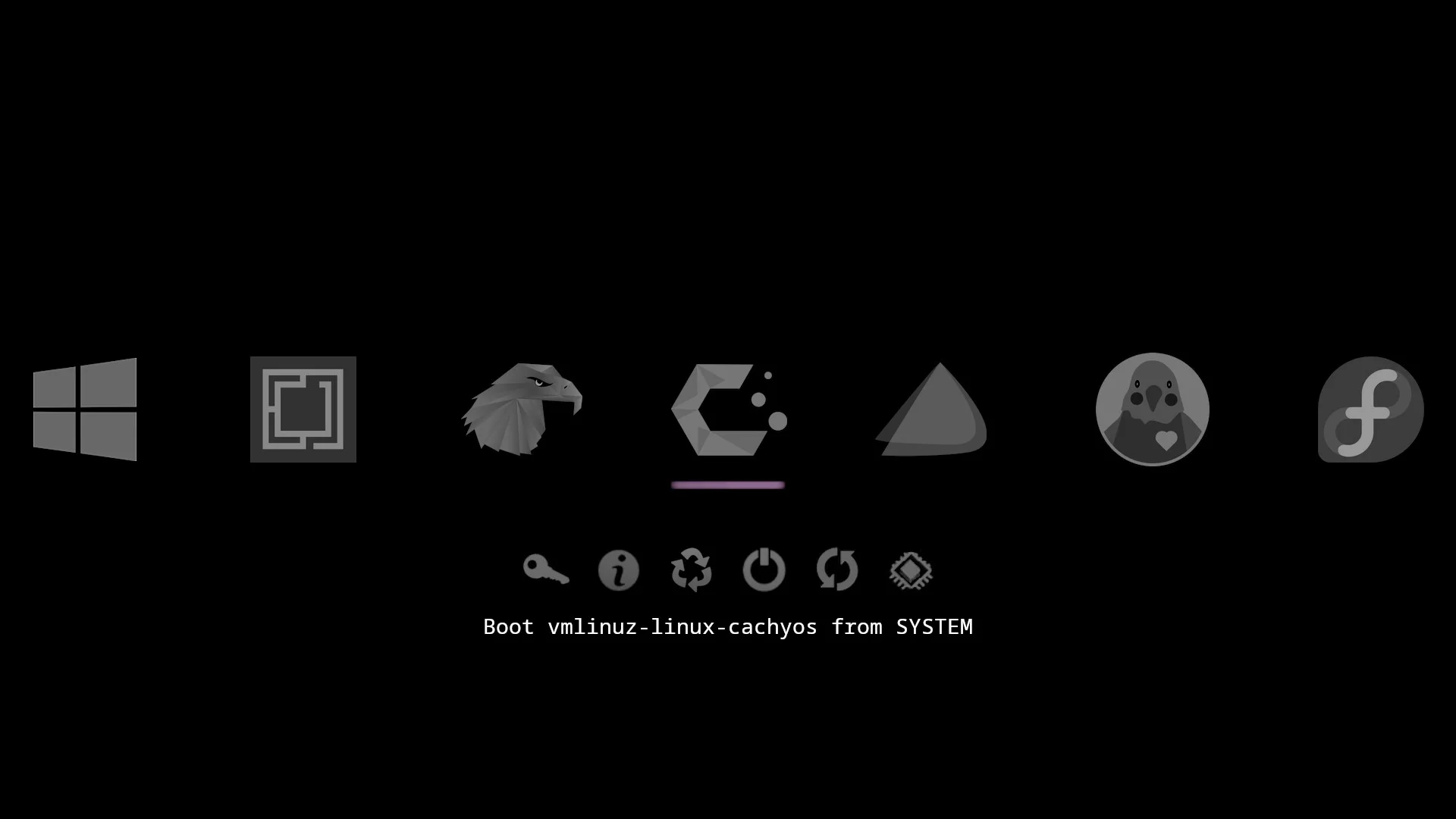
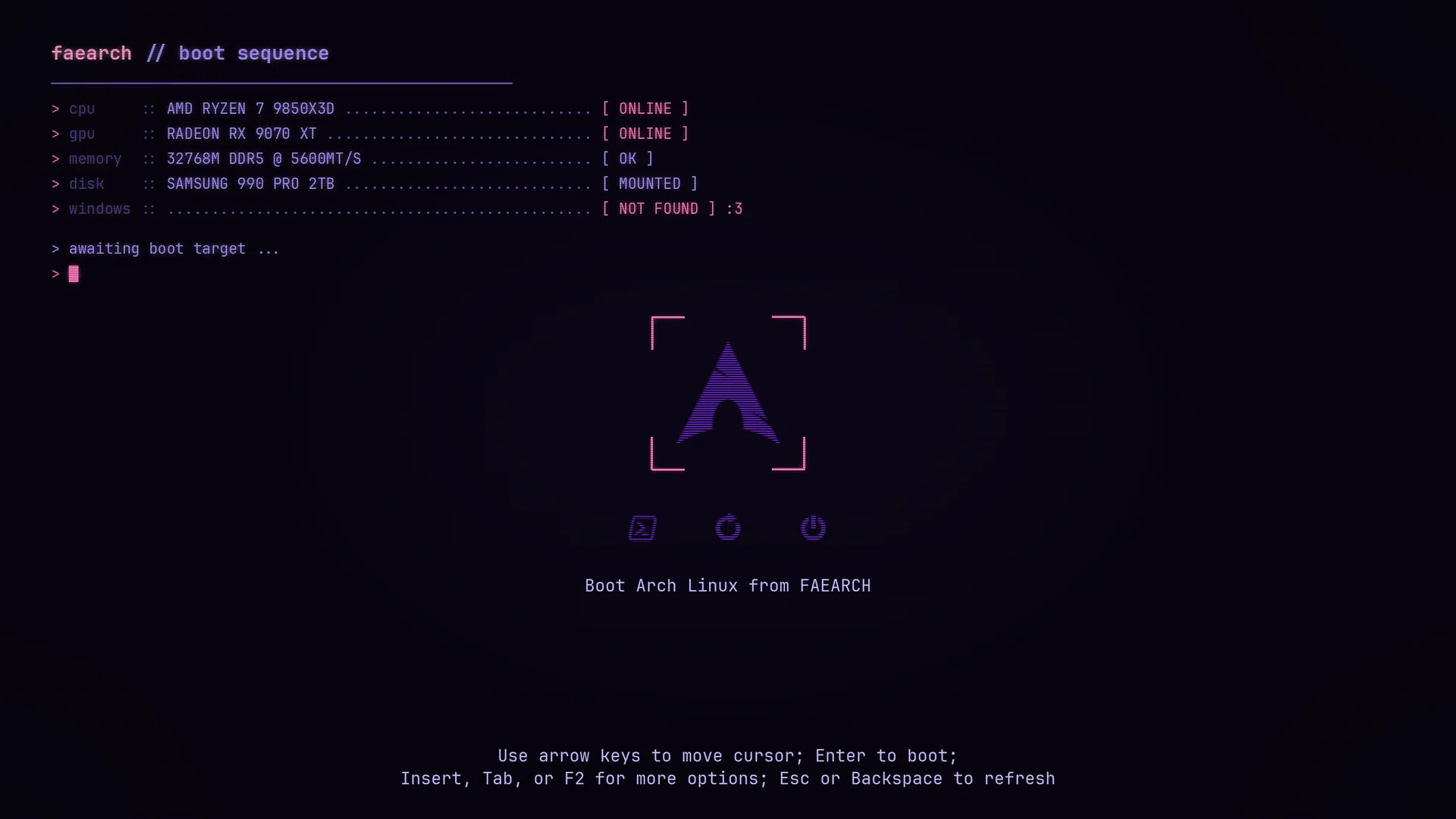
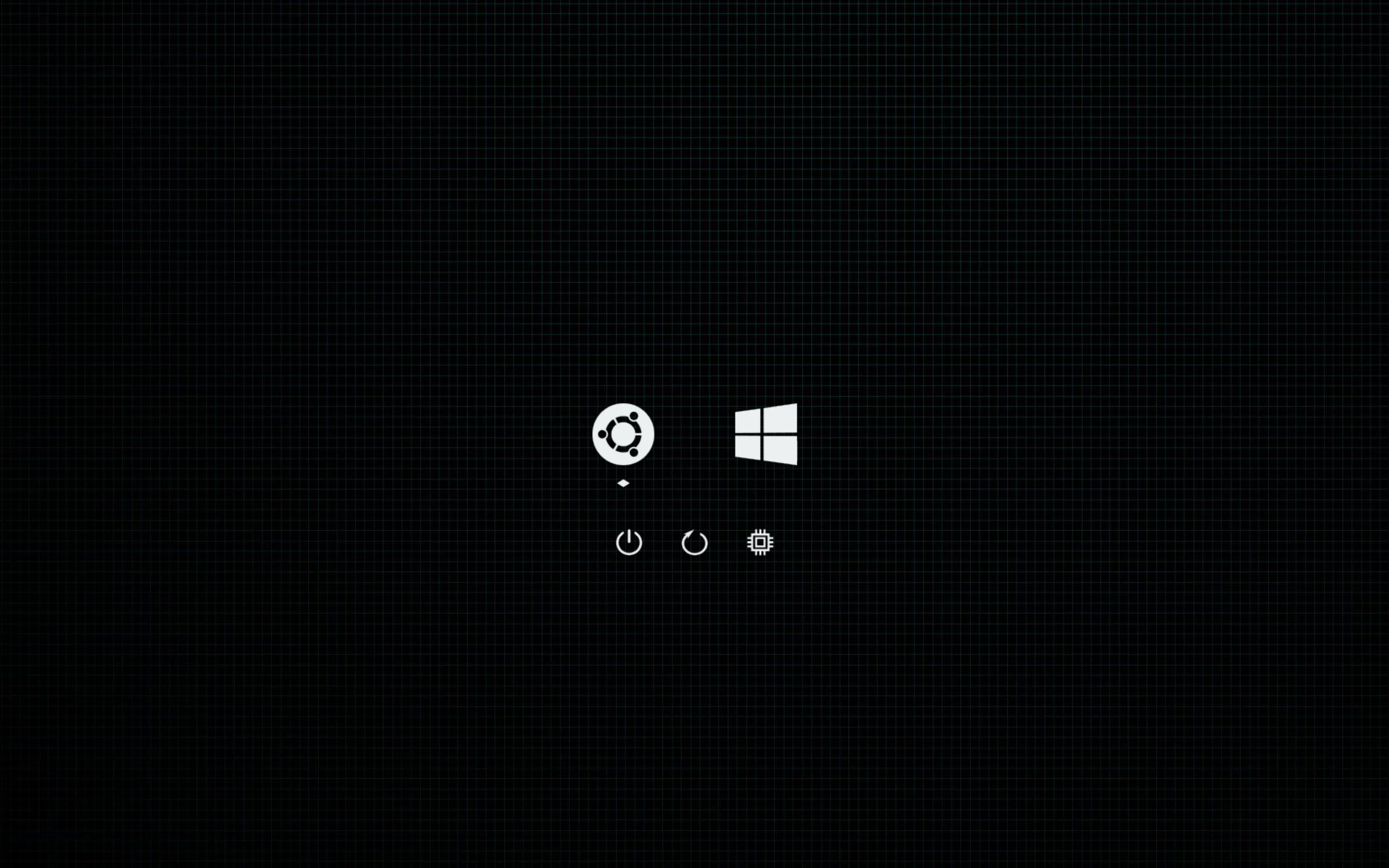
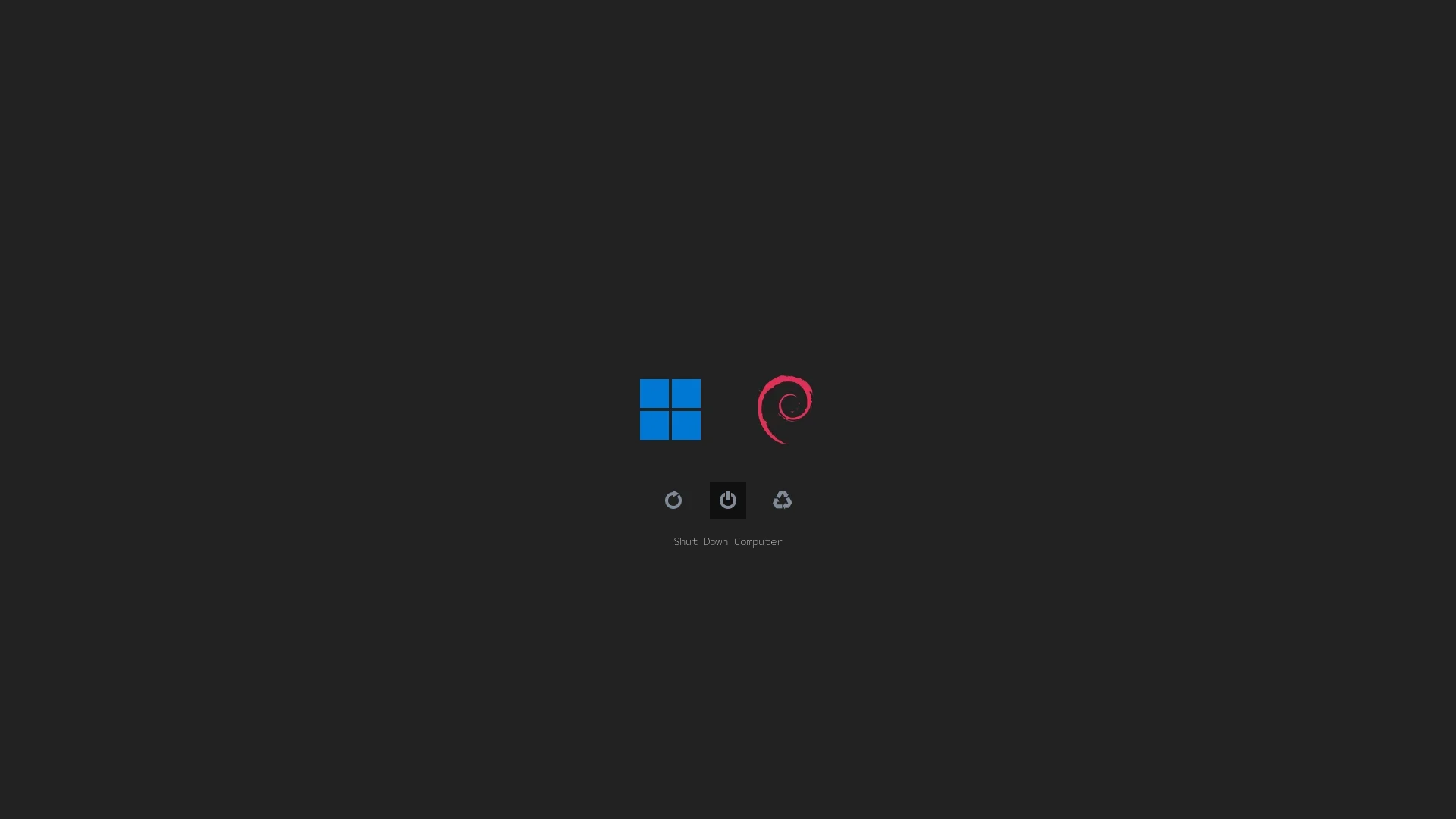
Using transparency to vibrantly highlight and reveal a text label for only the selected icon.
How to install Refind Tricky Transparencies Theme
Refind Tricky Transparencies Theme installs like any rEFInd theme: clone it into rEFInd's themes folder and include it from
refind.conf.
Where is refind.conf?
On Linux it's usually /boot/efi/EFI/refind/refind.conf. On macOS and Windows, mount the EFI System Partition first; open the
help dialog ( in the header) for every path.
- Locate the
themes/folderIt lives inside your rEFInd installation directory. If it doesn't exist, create it:
mkdir -p /boot/efi/EFI/refind/themes - Download the theme
Clone the theme's GitHub repository into that folder, or extract its ZIP archive:
git clone https://github.com/gutlessCGH/refindTTT.git /boot/efi/EFI/refind/themes/refindTTT - Edit
refind.confWith administrator privileges, add this line at the very bottom:
include themes/refindTTT/theme.confIf the repository keeps
theme.confin a subfolder, adjust the path to match. - Save and reboot
rEFInd will render the new theme on your next boot.